

One year
Standard HD
Live TV and the on-demand library in Full HD on one screen.
$39/ year
Regular price $59Save $20
one payment covers 12 months
- 40,000 live channels + EPG guide
- 90,000 films & series
- Full HD picture
- 1 device
On airThe honest Roku guide
Of all the TV platforms in American homes, Roku makes IPTV on Roku TV setups the most awkward, and you deserve to hear that before spending a dollar.

Roku does not let you install apps from outside its own store, so the full-featured players used on Firestick and Android TV cannot go on it. You still have four workable routes, and one of them costs about $30 and solves the problem for good.
TL;DRThe short answer
Roku cannot install outside apps, so the full IPTV players do not run on it. The workable options are screen mirroring from a phone or PC, AirPlay from an iPhone, a basic playlist player from the Roku store, or plugging a Firestick or Google TV stick into the Roku TV’s HDMI port. The stick is the best by far.
CH 02Why it’s hard
Fire TV, Google TV and Android boxes run versions of Android, so they can install Android apps, including IPTV players, from outside their official stores. Roku runs its own operating system. Its apps, which Roku calls channels, must come from the Roku Channel Store, and Android apps cannot run on it at all.
A hidden developer setting exists on Roku, yet its purpose is testing channels you coded yourself; ordinary viewers gain nothing from it. Any guide that promises to get TiviMate or IPTV Smarters Pro running natively on a Roku is wrong.
That leaves workarounds for IPTV on Roku TV. Each has trade-offs, and we will be specific about them, because the right choice depends on what you watch and how much fiddling you will tolerate.
CH 03Side by side
Ranked from least to most practical for everyday viewing of IPTV on Roku TV screens.
| Route | Picture | Guide and replay | Effort each time | Extra cost |
|---|---|---|---|---|
| Screen mirroring from Android or Windows | Often below Full HD, can stutter | Guide on the phone only | High: phone must stay on | None |
| AirPlay from iPhone or iPad | Good on supported Roku models | Guide on the phone only | Medium: phone tied up | None |
| Basic playlist player from the Roku store | Varies | Usually no full guide, no Xtream login, no replay | Low once set | Some charge; apps come and go |
| Plug a Firestick or Google TV stick into the Roku TV | Full HD or 4K | Full guide, replay, all apps | None: switch input | About $30–$50 once |
CH 04Best fix
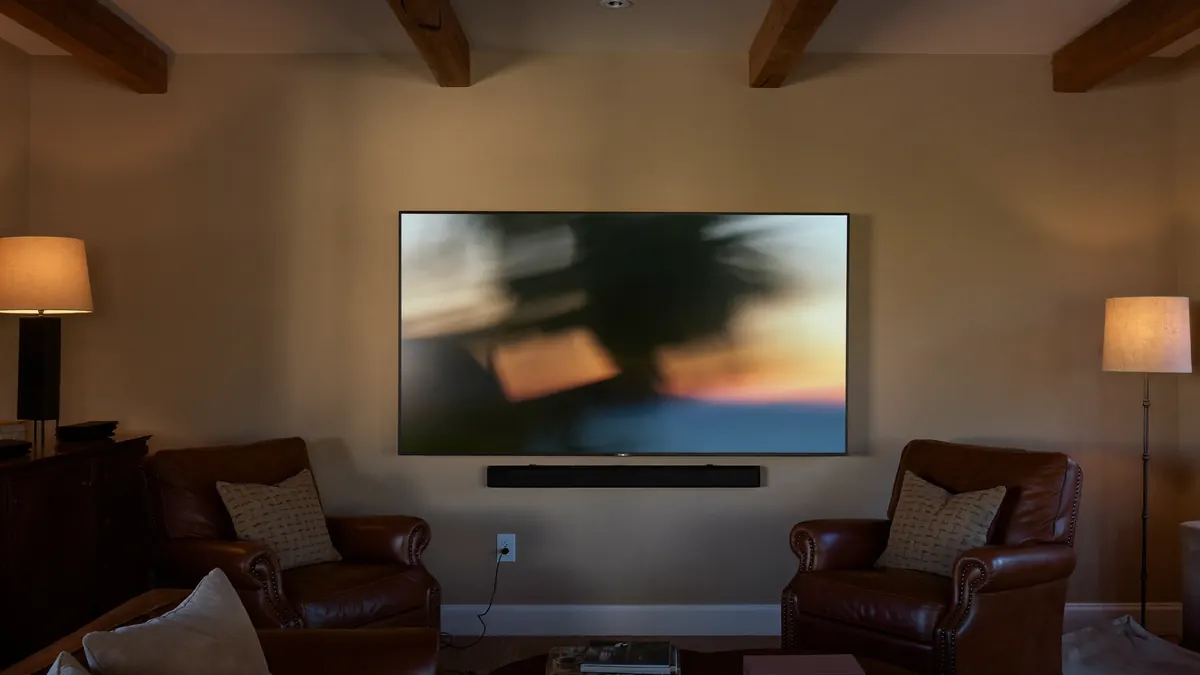
Look at the side or back of the set: three or four HDMI sockets, typically with the soundbar in one and the rest empty. Plug a Fire TV Stick 4K or a Google TV stick into a spare one, and the TV becomes a full IPTV screen: guide grid, replay on Premium 4K and Lifetime Max, any player app you like. Your Roku home screen and its apps stay exactly as they are.
Switching is one press of the input button on the Roku remote. Many Roku TVs also let you rename the input, say to “Live TV”, and place it on the home screen as a tile, so the family does not have to learn anything new.
The full install for Fire TV is in our Firestick setup guide. It takes about ten minutes.
CH 05Devices
Any of these turns IPTV on Roku TV sets into a full experience. Pick by budget and by what else you use at home.
The most common choice. Easy sideloading through Downloader, strong with big lists, 4K and HDR.
Installs IBO Player and others from the Play Store, plus sideloading. A good fit for Android-phone households.
Best for heavy users and 4K sport, with Ethernet built in. See our IPTV box guide for specs that matter.
Pricier, but polished, and a natural pick for iPhone families. Setup is on our Apple TV page.
CH 06Step by step
Fine for one film or one game of IPTV on Roku TV; tiring as a daily habit. Menu names vary by phone and Roku version.
On Android and Windows, mirroring runs on a wireless standard called Miracast, so the Roku has to support it too.
On the Roku: Settings, System, Screen Mirroring. Set the mode to Prompt or Always allow.
IPTV Smarters Pro or a similar app from the Play Store, signed in with your Xtream codes.
On most Android phones, swipe down twice and tap Smart View, Cast or Screen Mirror (names vary by brand), then choose the Roku. On Windows, press Windows + K.
Keep the phone on the charger and on the same Wi-Fi as the Roku. Turn off notifications so they do not pop up on the TV.
Expect softer pictures than a native app and some lag on fast sport. Mirroring sends a copy of your screen over Wi-Fi, which adds a layer of compression.
CH 07Step by step
Many recent Roku TVs and 4K Roku players support AirPlay, the tidiest wireless route to IPTV for Roku homes that own an iPhone. Check under Settings, Apple AirPlay and HomeKit.
On the Roku, open the AirPlay settings and switch it on. Both devices must be on the same Wi-Fi network.
Grab a player from Apple’s store on the phone and enter the Xtream credentials from our email.
Pick a channel and press the triangle-and-screens symbol inside the player; if it lacks one, mirror the whole display from Control Center.
Plug it in. Some players keep streaming with the screen locked; others stop.
CH 08Troubleshooting
Devices on different networks, or mirroring off
Put both on the same Wi-Fi band; check the Roku’s screen mirroring or AirPlay setting
Weak Wi-Fi between phone and TV
Move the phone closer to the router; use 5 GHz
Player blocks mirroring of protected video
Try another player app, or use the stick route
Phone held upright
Rotate the phone to landscape before starting
Mirroring is heavy work
Keep it on the charger, or switch to a stick
Mirroring and AirPlay need nothing extra, only a phone that stays on and close by. The playlist players in the Roku store need nothing extra either, but they come and go and usually miss the guide and replay. For anything you watch daily, the stick wins.
Yes. IPTV for Roku sticks works exactly as on Roku TVs: no sideloading. Put a Fire TV or Google TV stick in that HDMI port instead, or in a second port if you want to keep both.
Yes. Sound goes from the stick through the TV, so a soundbar hooked to the TV’s ARC or eARC socket carries on as normal. If the volume leaps when you change input, adjust the TV’s audio output once.
CH 10Plans
Every plan works on a Firestick or Google TV stick plugged into a Roku TV, which is the IPTV for Roku setup we support best. 4K needs Premium 4K or Lifetime Max and a 4K-class stick.
One year
Live TV and the on-demand library in Full HD on one screen.
$39/ year
Regular price $59Save $20
one payment covers 12 months
Recommended
The bigger library in 4K, with 3-day catch-up.
$69/ year
Regular price $99Save $30
one payment covers 12 months
One payment
Pay once. Dedicated server and up to four screens.
$299one-time
Regular price $459Save $160
one payment, no renewals
WhatsApp, 7 days a weekLogin by email in 5–30 minutesCard, Apple Pay, Google Pay or bank transfer −10%60-day refund window
CH 11Before you switch
We will tell you which IPTV for Roku route fits your set and which stick to buy, before you spend anything on a plan. Then see all plans and prices or compare player apps.
60-day refund window · Card, Apple Pay, Google Pay · Bank transfer −10%